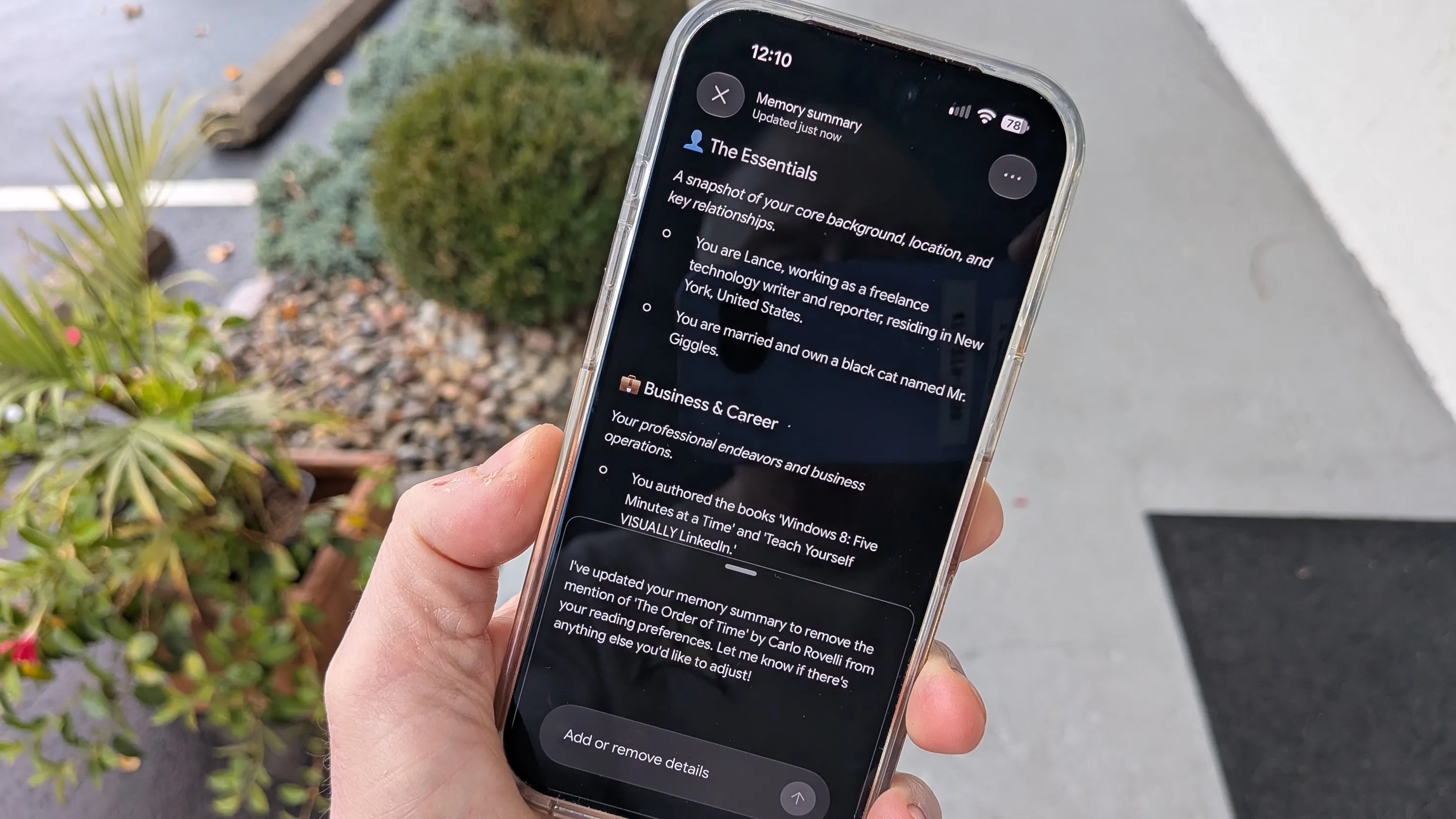
Google's Gemini now includes a Memory summary feature that lets users see what the AI has gathered about them, according to a ZDNET article by the author, who tested it. The feature lists details by category, such as Essentials, Business & Career, Reading & Interests, and Culinary Preferences. Users can find it by opening Settings, selecting Personal Intelligence, then tapping Memory summary. If the option is grayed out, the Memory feature is turned off and must be re-enabled first.
Users can view recent changes through Memory history, accessed from the three-dot icon at the top. On the website or desktop apps, a pencil icon lets users edit the text directly and save changes, which sync across the website and apps. Mobile apps lack direct editing, so users can instead tell Gemini what to change in a prompt.
The author said the summary wrongly listed them as living in Madison County and as running a business called Batter Up, and that they corrected both. The author added that they keep memory enabled but control what it stores.